How to Create an Account and Sign In
Step 1: Open the DeleevX Driver App
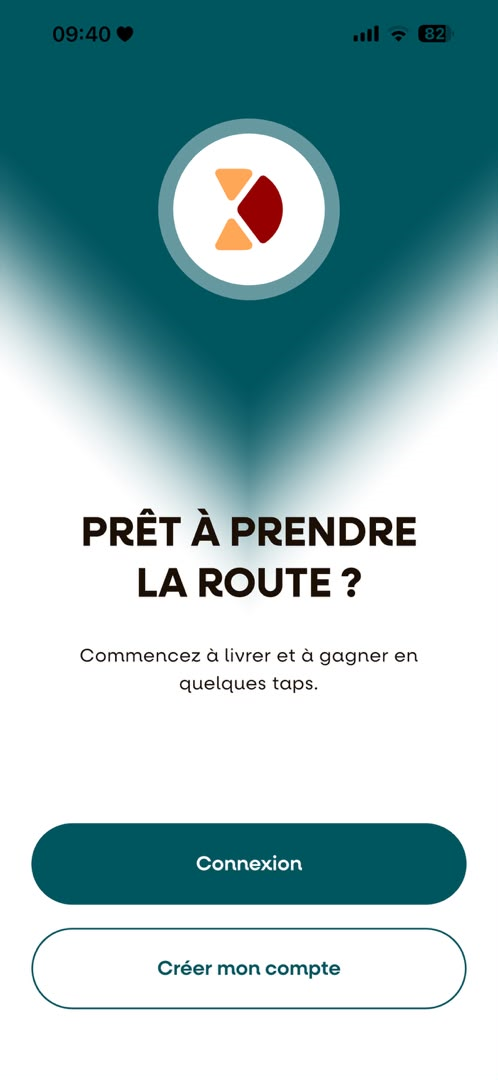
Once the app has been downloaded, open it. The landing page will appear. Tap "Commencer (start)" to begin creating your account.

Step 2: Open the Registration Page
You will be redirected to the Sign In page. Tap "Créer un compte" to start the registration process.
Step 3: Verify Your Email Address
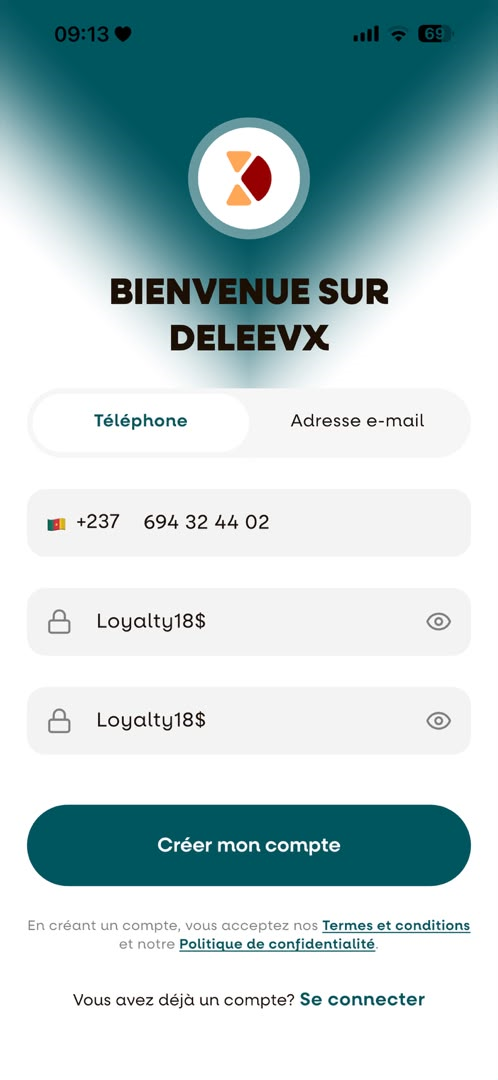
Enter your email address to receive a verification code. A verification code will be sent to your email address to verify your account. Note: You can also create an account using your phone number or sign in directly with your Google account.

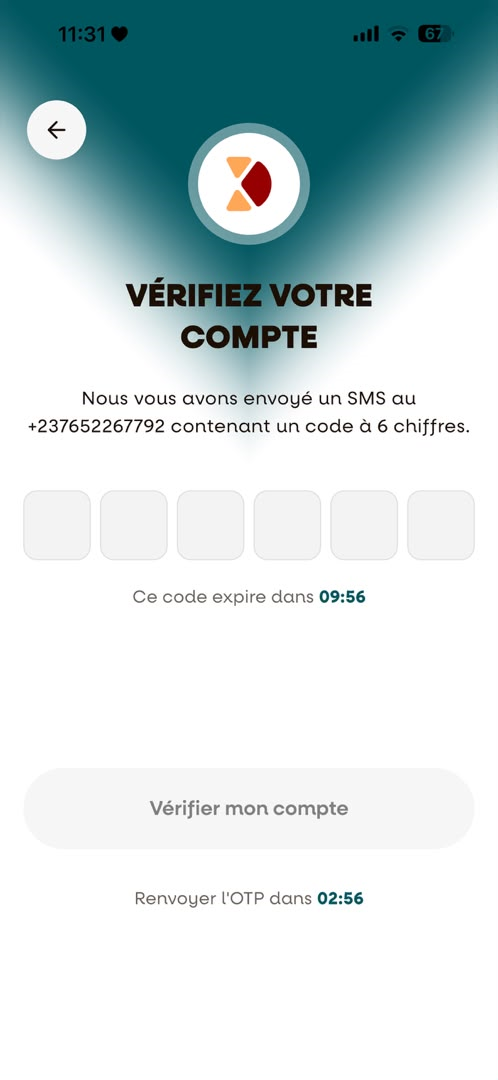
Step 4: Enter the Verification Code
Enter the verification code that was sent to your email address, then tap Continue to proceed.
Step 5: Complete Your Registration
Fill in the required information and click Complete Registration to finish creating your account.
Step 6: Sign In to Your Account
After completing your registration, your information will be saved automatically, and you will be redirected to the Sign In page.
Enter your email (or phone number) and password, then tap Sign In to access your driver account.
Congratulations!
Your account has been successfully created.You are now ready to sign in, activate your driver profile, and begin your journey with DeleevX.