How to download DeleevX-driver App
Step 1: Find the DeleevX Driver App
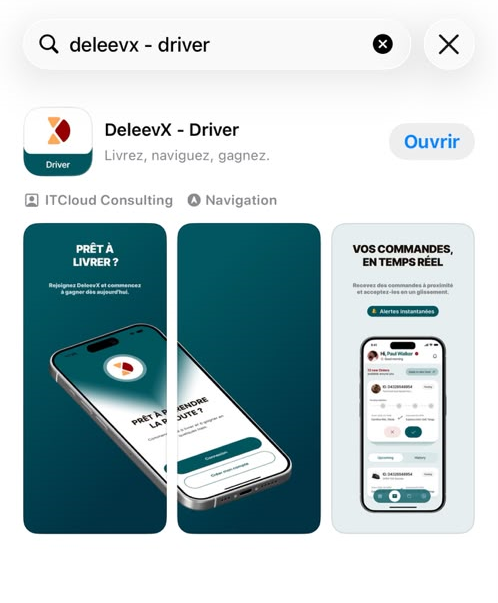
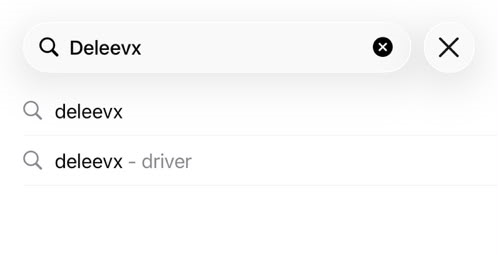
Open the App Store (iOS) or Google Play Store (Android) on your device. In the search bar, type "DeleevX – Driver" and search for the app.
Step 2: Download and Open the App
Select the DeleevX – Driver app from the search results. Tap Download (or Install) and wait for the installation to finish. Once the installation is complete, tap Open to launch the application.